
Time Add Calculator
Adding times is awkward because minutes and seconds roll over at 60. Paste or type a list of durations — like 1:45, 2h 30m or 0:50:20 — and the calculator adds or subtracts them and shows the total in hours:minutes:seconds, decimal hours and total minutes. You can also add a duration to a clock time and total a timesheet with breaks.
- Free to use
- No sign-up
- Runs in your browser
Time add calculator
Add time to a clock time
Timesheet
Timesheet Template Pack
Timesheet templates: weekly and fortnightly Excel timesheets with automatic hours (breaks and overnight shifts), printable timesheets, a minutes-to-decimal chart, a project time log and a freelancer hours invoice sheet.
- Weekly timesheet (XLSX)
- Fortnightly timesheet (XLSX)
- Printable timesheet (PDF/DOCX)
- Decimal chart (PDF)
- Project time log (XLSX)
- Hours invoice (XLSX)
Formats: XLSX, PDF, DOCX. Instant download after payment (link valid 72 hours, up to 5 downloads). AI-assisted: the templates were drafted with AI help and reviewed and laid out before publishing.
$5.00 USD, one-time 6 files · about $0.83 each
- Instant download
- 7-day refund
- Secure checkout by Stripe
7-day money-back guarantee. Full refund within 7 days of purchase, even after you download.
Free sample: Weekly Timesheet (PDF, 56 KB)
Full refund within 7 days — see the refund policy and license.
Free printables
Single sheets you can print right now, no sign-up. The full pack adds every sheet in one download plus the editable files.
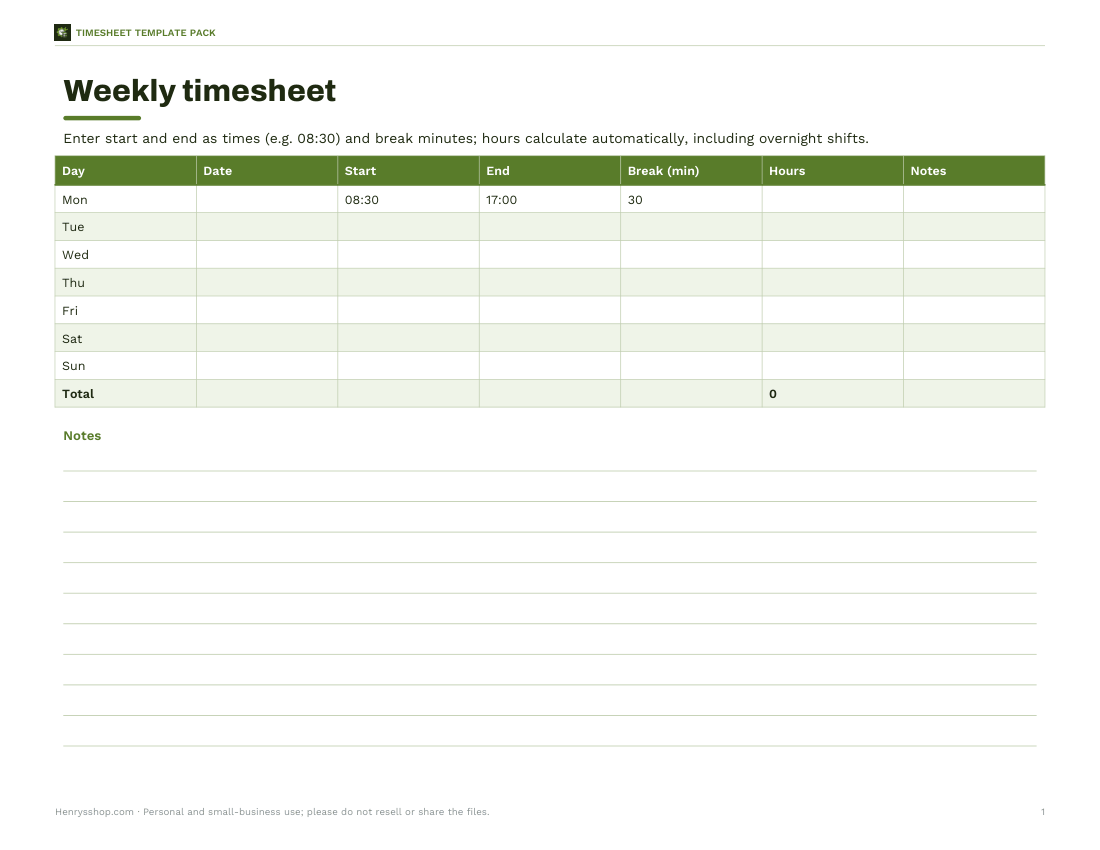
 Printable Weekly Timesheet Calculator
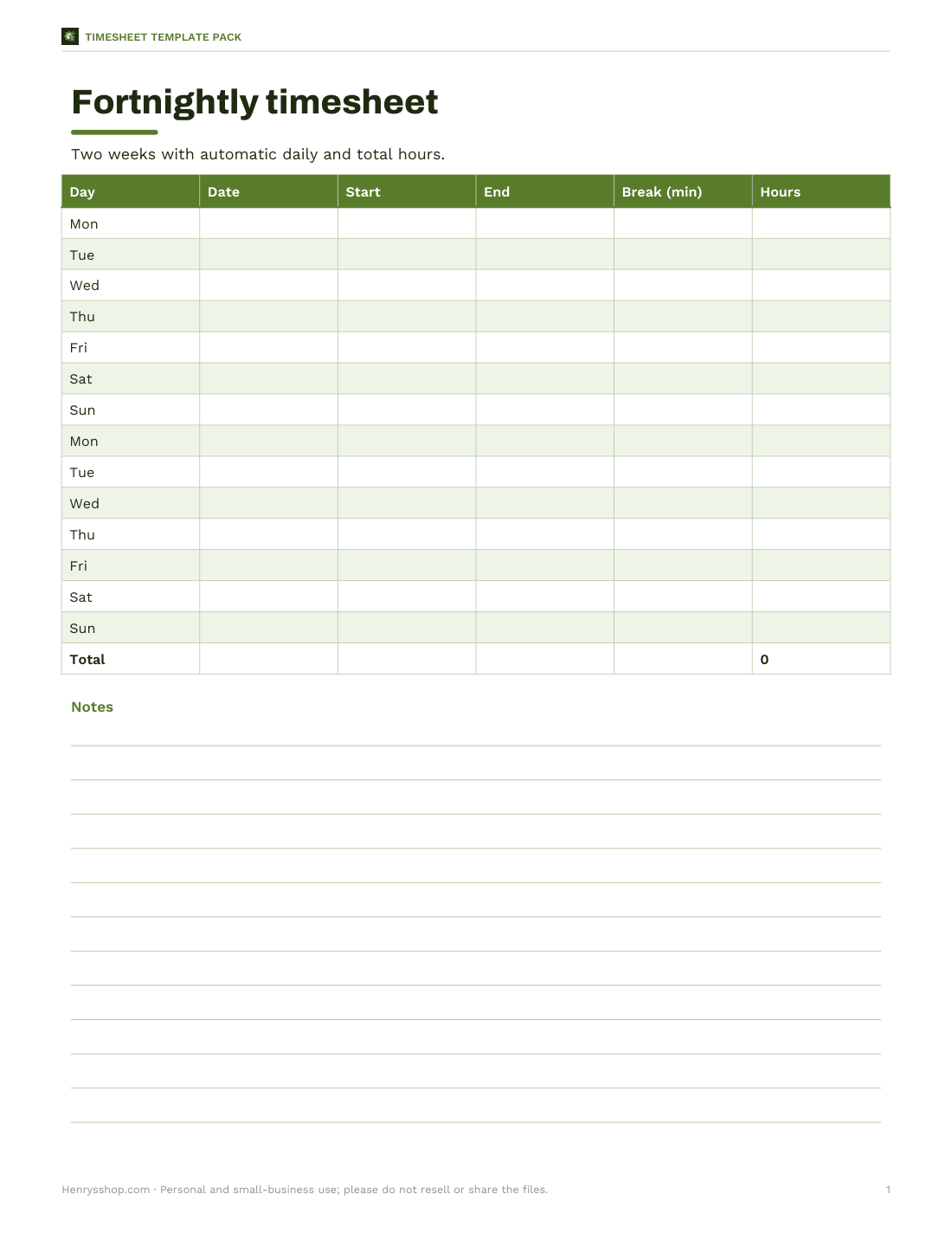
 Fortnightly Timesheet Template
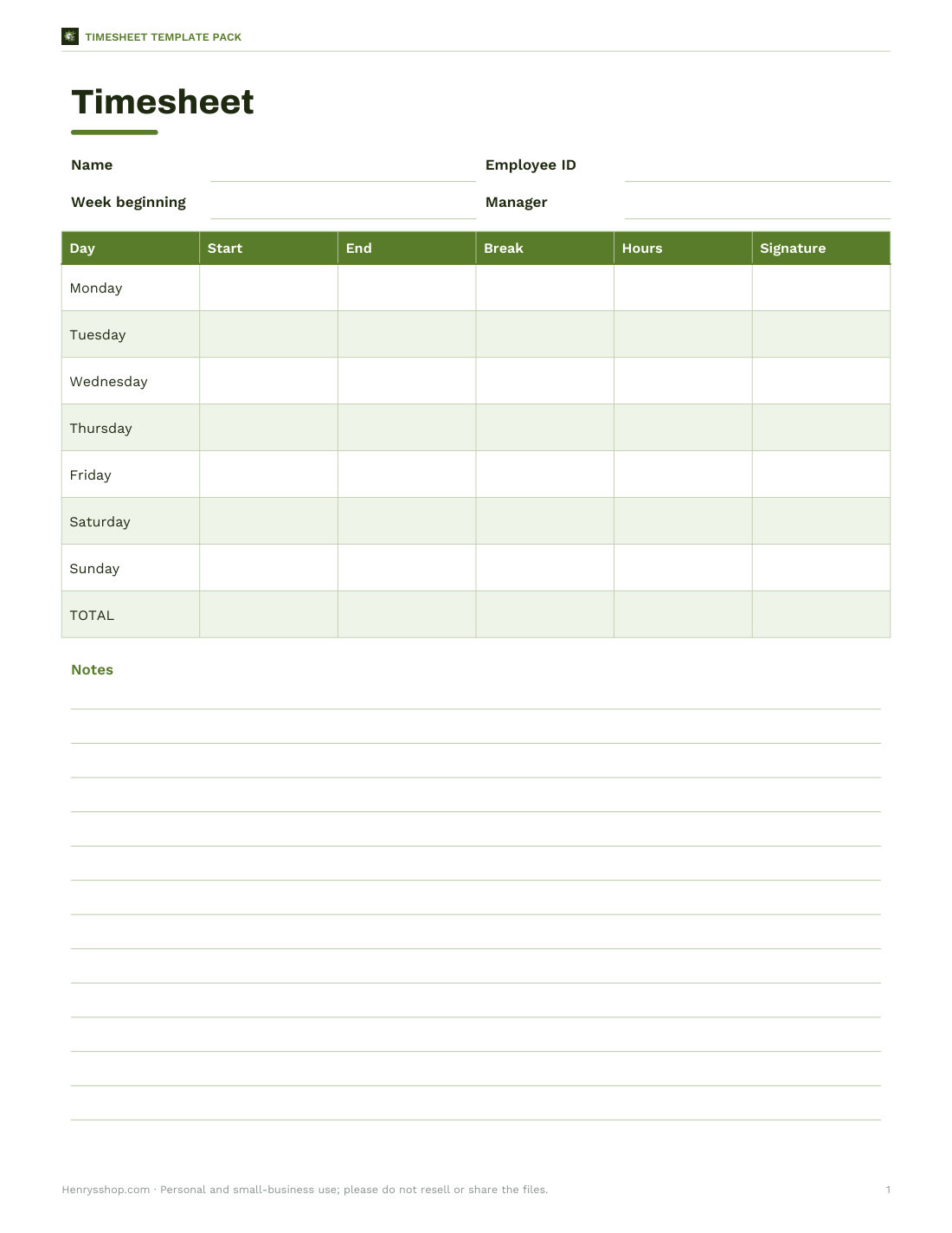
 Printable Timesheet Template
 Printable Decimal Hours Chart
 Printable Project Time Log
 Printable Hours Invoice Sheet
Why adding time is tricky
Ordinary arithmetic works in tens, but time works in sixties: 60 seconds make a minute and 60 minutes make an hour. Adding 1:45 and 2:30 on a normal calculator gives 4.15, which is wrong — the answer is 4 hours 15 minutes, or 4.25 decimal hours. The calculator converts every entry into seconds, adds them, and converts the total back into hours, minutes and seconds.
Accepted formats
| You type | Means |
|---|---|
| 1:45 | 1 hour 45 minutes |
| 1:45:30 | 1 hour 45 minutes 30 seconds |
| 2h 30m | 2 hours 30 minutes |
| 95m or 95 min | 95 minutes = 1:35 |
| 1.5h | 1 hour 30 minutes |
| 45s | 45 seconds |
| 20 | a plain number is read as minutes |
| − 0:15 | subtract 15 minutes |
Decimal hours for payroll
| Minutes | Decimal hours |
|---|---|
| 6 | 0.10 |
| 15 | 0.25 |
| 20 | 0.33 |
| 30 | 0.50 |
| 40 | 0.67 |
| 45 | 0.75 |
| 50 | 0.83 |
Payroll and invoicing usually need decimal hours: divide minutes by 60. So 7 hours 45 minutes is 7.75 hours, and at $22 an hour that is $170.50. Don’t multiply 7.45 by the rate — that would underpay by about 13 minutes.
How to use the three tools
- Add durations: type one duration per line; start a line with a minus sign to subtract it. The total appears as h:mm:ss, decimal hours and minutes.
- Clock time: enter a start time and a duration to see the finish time; it shows if the finish is on a later day.
- Timesheet: enter each day’s start, end and unpaid break. Overnight shifts that end after midnight are handled automatically. Download the table as CSV.
Worked example
The sample list adds 1:45, 2 h 30 m, 0:50:20 and 95 minutes, then subtracts 15 minutes. In seconds that is 6,300 + 9,000 + 3,020 + 5,700 − 900 = 23,120 seconds, which is 6:25:20 — or 6.42 decimal hours. Starting a 7 h 50 m task at 09:15 finishes at 17:05. The sample timesheet, including a Thursday night shift from 22:00 to 06:00 with a 30-minute break, totals 35 hours 15 minutes, or 35.25 hours.
Common uses
- Totalling working hours for a timesheet or freelance invoice.
- Adding up the running times of songs, videos or podcast episodes.
- Planning a schedule: when will a series of tasks finish?
- Totalling training sessions, study time or flight legs.
- Working out cooking or baking stages backwards from a serving time.
Converting between formats
| Format | Example | Convert by |
|---|---|---|
| h:mm | 2:45 | hours + minutes ÷ 60 = 2.75 h |
| Decimal hours | 2.75 h | decimal part × 60 = 45 min |
| Minutes | 165 min | ÷ 60 = 2.75 h |
| Seconds | 9,900 s | ÷ 3,600 = 2.75 h |
| Days | 1.5 days | × 24 = 36 h |
In spreadsheets, times are stored as fractions of a day: 6:00 is 0.25. To turn a time difference into decimal hours, multiply by 24 — the Excel templates do this for you.
Overnight and long durations
When a shift crosses midnight, a simple “end minus start” gives a negative number. The timesheet adds 24 hours whenever the end time is earlier than the start, which is correct for shifts shorter than a day. Durations longer than 24 hours are fine in the duration adder: 30:15 means thirty hours and fifteen minutes, and the total can run to hundreds of hours without resetting at midnight.
Timesheet tips
- Record times as they happen rather than from memory at the end of the week.
- Note unpaid breaks separately so they are easy to deduct.
- Check your employer’s rounding rules — some round to the nearest 5, 6 or 15 minutes.
- Keep a copy of submitted timesheets.
- Use the downloadable templates for a signed paper or spreadsheet record.
What the template pack includes
Printable and Excel weekly and fortnightly timesheets with automatic totals (including overnight shifts and breaks), a minutes-to-decimal conversion chart, a project time log and a freelancer invoice hours sheet.
Privacy
Everything runs in your browser; nothing is uploaded.
Frequently asked questions
How do I add hours and minutes?
Add the minutes, convert every 60 minutes into an hour, then add the hours — or list them in the calculator.
What is 1 hour 45 minutes in decimal?
1.75 hours.
How do I convert minutes to decimal hours?
Divide the minutes by 60.
Can it handle overnight shifts?
Yes, if the end time is earlier than the start, it assumes the shift ends the next day.
Can I subtract time?
Yes, start a line with a minus sign.
What is 0.5 hours in minutes?
30 minutes.
How do I add times in Excel?
Use a cell format of [h]:mm so totals over 24 hours display correctly.
How many minutes is 2.4 hours?
144 minutes (0.4 × 60 = 24 minutes, so 2 hours 24 minutes).
Does it round seconds?
Totals are shown to the nearest second; decimal hours are rounded to two decimal places.
Can I total video running times?
Yes, paste each running time on its own line, for example 3:45 or 1:02:30.
Why does my calculator give 4.15 for 1:45 + 2:30?
Because it adds in base 10; time needs base 60 — the correct total is 4:15.
Is my data stored?
No, it runs in your browser.